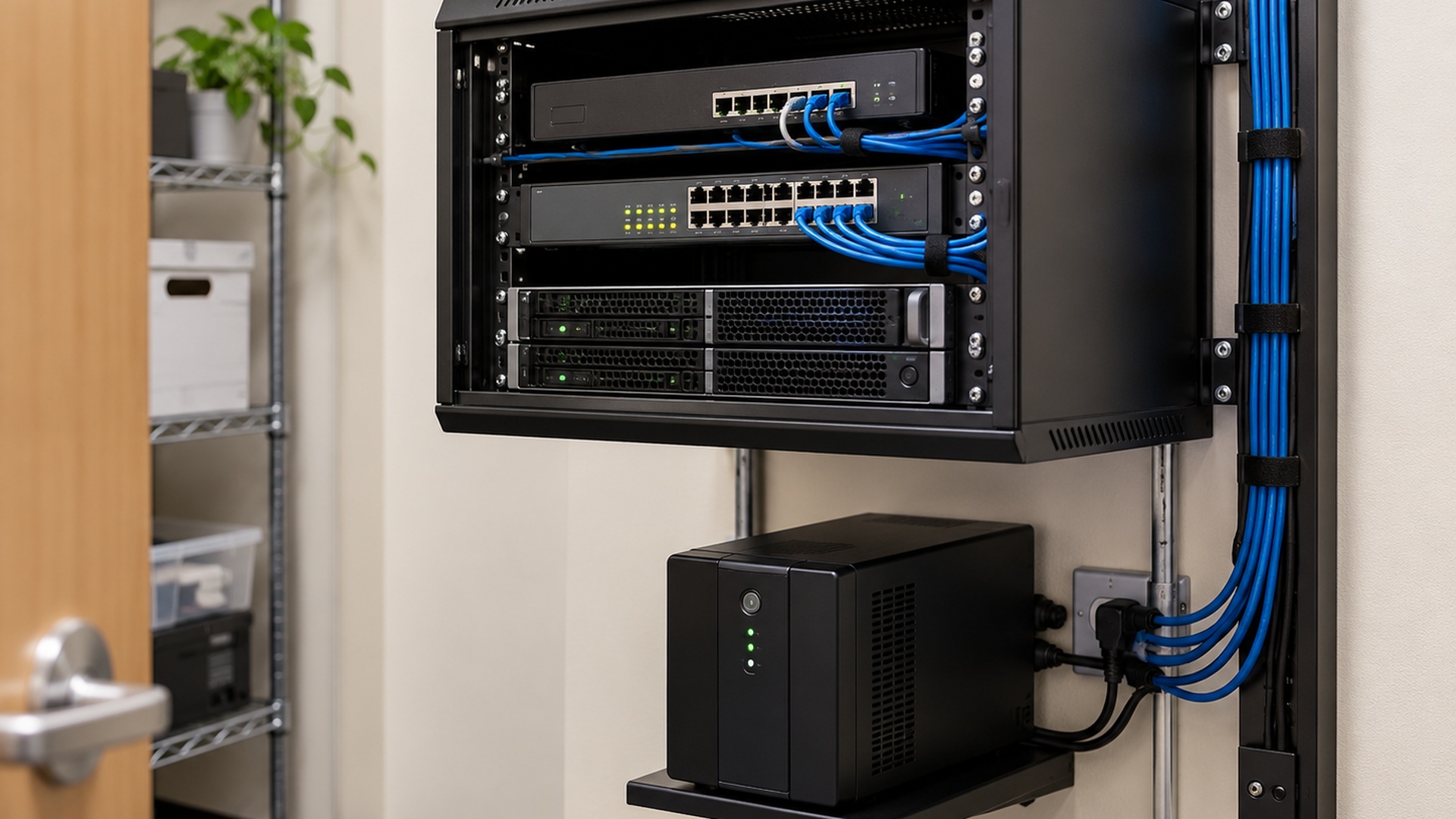
Virtualization technology provides organizations with opportunities to improve both capital and operational efficiency beyond the basic ability to run multiple workloads on shared hardware. By extending virtualization across servers, storage, networking, and management systems, businesses can create a more flexible infrastructure that is easier to manage, scale, protect, and adapt as technology needs change.
This approach is commonly referred to as a virtual infrastructure. Rather than tying applications and operating systems directly to individual pieces of physical hardware, a virtual infrastructure creates a layer of abstraction between workloads and the underlying computing resources.
What is a Virtual Infrastructure?
A virtual infrastructure is an environment in which physical computing resources are abstracted and managed as shared resources that can be allocated according to business and application requirements.
While a virtual machine represents the computing resources of an individual system, a virtual infrastructure can encompass the resources of an entire IT environment. This may include physical servers, processors, memory, storage systems, networking, and the software used to manage those resources.
Instead of requiring every application to operate on its own dedicated physical server, virtualization allows multiple workloads to share available infrastructure while remaining logically separated.
Instead of requiring every application to operate on its own dedicated physical server, virtualization allows multiple workloads to share available infrastructure while remaining logically separated.
Structurally, a virtual infrastructure consists of the following components:
- Hypervisors that create and manage virtual machines on physical servers.
- Virtual machines that provide independent operating environments for applications and services.
- Resource management technologies that allocate processor, memory, storage, and networking capacity among virtual workloads.
- Virtual networking that connects virtual machines to one another and to physical networks.
- Centralized management tools that provide monitoring, configuration, and administration of the virtual environment.
- Automation technologies that assist with provisioning, maintenance, backup, recovery, and other routine infrastructure tasks.
By separating software workloads from the physical hardware beneath them, virtualization allows servers, storage, and networking resources to be managed more flexibly.
Resources can be allocated where they are needed rather than being permanently dedicated to a single application or operating system.
Virtual Infrastructure Benefits
A properly designed virtual infrastructure can provide significant benefits for organizations of many sizes.
Better Use of Hardware Resources Traditional—physical server environments may dedicate an entire server to a single application even when that application uses only a portion of the server’s available capacity.
Virtualization allows multiple workloads to share processor, memory, storage, and networking resources, helping organizations make better use of their hardware investments
Reduced Hardware Requirements—Consolidating multiple workloads onto fewer physical systems can reduce the number of servers an organization must purchase, maintain, power, cool, and replace.
For businesses with growing infrastructure requirements, this can help control both capital and ongoing operational expenses.
Faster Provisioning—Deploying a traditional physical server can require purchasing hardware, installing it, configuring networking and storage, installing an operating system, and preparing the application environment.
Virtual machines can often be created from standardized configurations or templates, allowing new systems to be deployed considerably faster.
Simplified Infrastructure Management—Virtual infrastructure platforms can provide centralized tools for monitoring and managing multiple physical hosts and virtual machines.
Administrators can monitor resource usage, adjust computing resources, provision new systems, perform maintenance, and manage workloads without treating every server as a completely independent piece of infrastructure.
Greater Flexibility—Because virtual machines are separated from their underlying physical hardware, workloads can often be copied, migrated, restored, replicated, or moved between compatible systems more easily than traditional physical servers.
This flexibility can make infrastructure changes, hardware upgrades, maintenance, and expansion easier to manage.
Improved Backup and Recovery—Virtualization can simplify the protection of server workloads by allowing backup systems to protect entire virtual machines in addition to individual files and application data.
If hardware fails, properly protected virtual machines may be restored to compatible infrastructure without requiring an identical replacement for the original physical server.
Improved Availability—When virtualization is combined with redundant servers, storage, networking, monitoring, and failover technologies, organizations can reduce their dependence on individual pieces of physical hardware.
If a physical host experiences a failure, protected workloads may be restarted or recovered on another available system, depending on how the environment has been designed.
Virtualization itself does not eliminate downtime, but it provides the foundation for more advanced availability and recovery strategies.
Easier Hardware Maintenance—In environments that support workload migration, virtual machines can sometimes be moved away from a physical server before maintenance or upgrades are performed.
This can reduce the disruption associated with servicing hardware and provide administrators with greater flexibility when replacing or upgrading infrastructure.
Scalability—Virtual infrastructure makes it easier to adjust computing resources as business requirements change.
Processor capacity, memory, storage, and additional virtual machines can often be added without requiring an entirely new physical server for every new workload.
Workload Isolation—Virtual machines operate as logically separated environments. An application running inside one virtual machine does not normally have direct access to the operating environment of another virtual machine.
This allows organizations to operate different applications and operating systems on the same physical infrastructure while maintaining separation between workloads.
A More Flexible Approach to IT Infrastructure
One of the most important benefits of virtual infrastructure is that applications are no longer completely dependent on the physical server on which they were originally installed.
Instead, the business can manage its physical hardware as a pool of computing resources and determine how those resources should be assigned based on workload requirements.
This can make it easier to replace aging hardware, expand capacity, recover from failures, create testing environments, deploy new applications, and respond to changing business requirements.
For many organizations, virtual infrastructure can mean fewer physical servers, better use of existing hardware, simplified management, faster deployment, improved recovery options, and greater flexibility as the business grows.
The technology platform used to provide virtualization may vary, but the underlying objective remains the same: use computing resources more efficiently while creating an infrastructure that is easier to manage, protect, and adapt.